Tutorial Blender Natural Clay Material - Beginner Tutorial
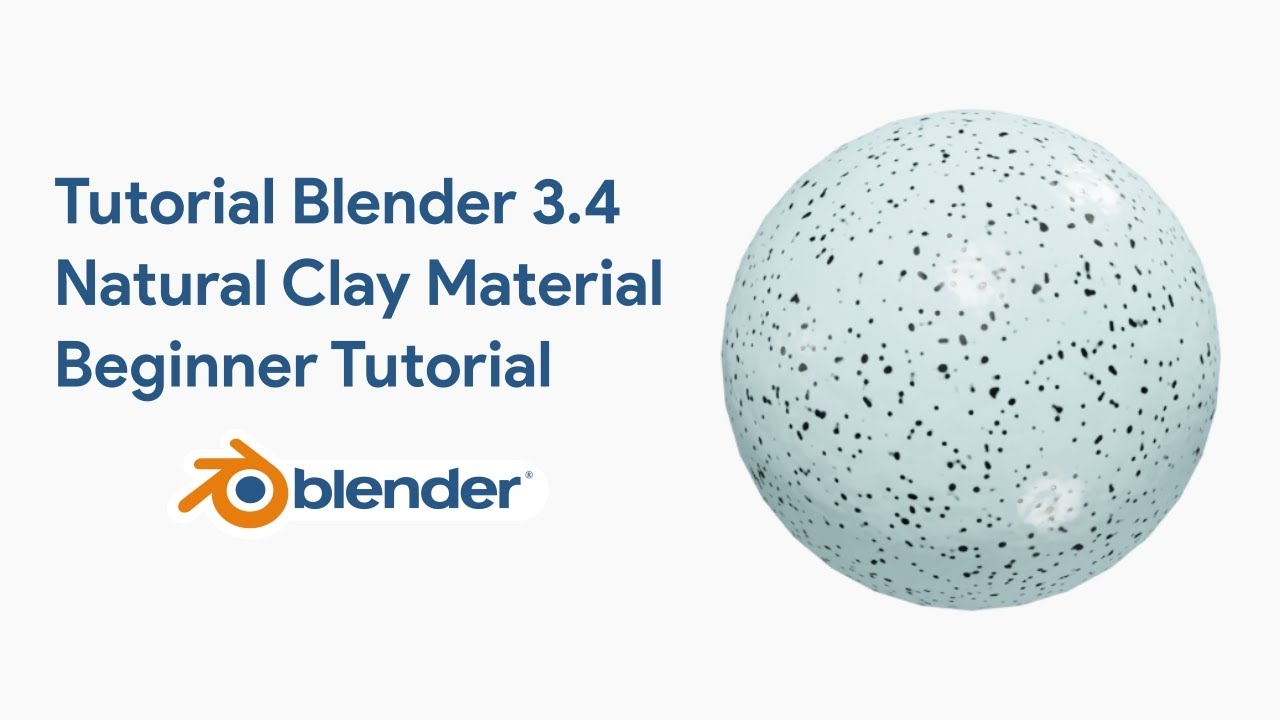
Mastering the Art of Blender Natural Clay Material: A Comprehensive Beginner Tutorial
Creating realistic textures is one of the most rewarding aspects of 3D design. Whether you are a seasoned professional or just starting your journey in the world of computer graphics, mastering the ability to create a believable Blender Natural Clay Material is an essential skill.
This beginner tutorial guides you through the process of generating a procedural clay shader that looks tactile, handmade, and incredibly detailed without relying on external image textures.
In the digital age, the "stop-motion" look has regained immense popularity. Artists and studios are constantly looking for ways to mimic the imperfection of plasticine and clay using digital tools.
By following the tutorial linked below, you will learn how to transform a simple digital mesh into a piece of art that feels like it was molded by human hands.
Watch the Full Video Tutorial on YouTube
Read too : Tutorial Blender 3D Cycles Render Explosion Realistic Fire and Smoke
Why Procedural Textures are Superior for Clay
When you start learning blender, you often rely on image maps. However, for a material like clay, procedural workflows are superior. A procedural texture created within the Shader Editor allows for infinite resolution.
You can zoom in as close as you want to your 3d model, and the fingerprints, bumps, and imperfections will remain crisp. This is distinct from using a pixel-based texture which might become blurry at close range.
This tutorial focuses on utilizing the Principled BSDF, Noise Texture, and Bump nodes to simulate the physical unevenness of clay.
You will learn to control the "Roughness" to ensure the light hits the surface in a way that mimics soft wax or modeling clay rather than hard plastic.
If you are interested in exploring other lighting techniques to enhance your textures, check out this guide: How to Make Stunning Neon Light Text in Blender (A Complete 3D Tutorial).
Integrating the Clay Look into Complex Scenes
Once you have mastered the clay material, the possibilities for your projects are endless. This aesthetic is not just for static spheres; it can be applied to complex scenes involving animation and character design.
Imagine creating a character that looks like a stop-motion puppet. You avoid the uncanny valley because the viewer accepts the stylized reality of the medium.
The beauty of this material is its versatility. You do not need complex rigging setups to make the surface look good. Because the texture is procedural, it stretches and moves naturally with the mesh.
If you deform the mesh, the clay texture follows, maintaining the illusion of a solid, malleable object.
Practical Applications: From Sports to Nature
Let us consider a practical example. You could model a soccer scene where the players and the ball are all texturized with this natural clay shader.
The slight imperfections on the ball would catch the light beautifully during a render. Unlike a hyper-realistic football render, a clay-styled scene offers a charming, artistic illustration style that stands out in a portfolio.
Furthermore, you can contrast this matte clay material with other elements. For instance, place a clay character next to a realistic ice block.
The contrast between the subsurface scattering of the clay and the refractive, glossy nature of the ice creates visual interest. Or, consider a scene involving liquids.
While this tutorial focuses on solids, knowing how to render water is crucial for environmental scenes.
Speaking of fluids, if you want to expand your skills into liquid simulations, you should read: Water Simulation Fluid Blender Tutorial Cycles Render.
Physics and Simulation with Clay Materials
A clay material looks best when it interacts with the environment. In Blender, you can use wind force fields to blow light objects around.
If you have a scene with clay leaves or paper, simulating wind adds life to the physics of the animation. The clay shader holds up well under these conditions because it reacts to lighting changes dynamically as the object moves.
For more advanced users, combining this material with a rigid body simulation is a fantastic exercise. Imagine a pile of clay rocks falling and settling.
The physic engine calculates the collisions, and your procedural shader ensures every rock looks unique. You can even simulate soft-body physics to make the clay squish upon impact, truly selling the "natural" aspect of the material.
Advanced Node Techniques and Geometry
While this is a beginner tutorial, it opens the door to advanced topics. You might eventually want to combine this clay look with a metallic gold material. The contrast between rough, natural clay and polished gold is a classic design trope in motion graphics. You accomplish this by mixing shaders using a mask, which is an essential skill in 3D look development.
Another powerful tool to pair with this material is node geometry (Geometry Nodes). You can use Geometry Nodes to scatter dust particles or tiny fingerprints across the surface of your clay object only where the camera sees it.
This procedural approach to modeling complements the procedural approach to texturing found in the tutorial.
For those looking to stay ahead of current graphic trends, it is vital to see how materials apply to modern objects. Learn more here: How to make design trend (Handphone and balloons) in Blender 3D.
Step-by-Step Breakdown of the Workflow
In the linked video tutorial, you will go through the following steps to achieve the Natural Clay result:
- Setting up the Scene: Establishing a proper lighting environment is crucial. Clay requires soft shadows to reveal its surface details.
- The Principled BSDF: Understanding the base color and roughness values. Clay usually has a high roughness and practically no metallic value.
- Noise Textures: You will add a Noise Texture node. This is the engine that drives the random displacement of the surface.
- Bump Mapping: Connecting the noise texture to a Bump node, and then into the Normal input of the shader. This creates the illusion of depth without adding actual geometry.
- Color Variation: Real clay is rarely one solid hex code. You will learn to mix subtle color variations to make the material feel organic.
Tutorial & Software Specifications
| Software Required | Blender 3D (Version 3.0 or higher recommended) |
| Tutorial Level | Beginner to Intermediate |
| Primary Technique | Procedural Shading (Node-based) |
| Key Topics | Material Nodes, Bump Maps, Lighting |
| Download Blender | Get Latest Version |
Why You Should Start Today
3D design is a field that rewards experimentation. This Natural Clay Material tutorial is the perfect entry point because it yields a high-quality result with a manageable learning curve.
It moves you away from simple, plastic-looking renders and introduces you to the world of texture artistry. By mastering these nodes, you lay the groundwork for more complex materials like human skin, rock, or organic surfaces.
Remember to experiment. Once you finish the tutorial, try applying the material to different objects. Try a soccer ball, a sculpted character, or an abstract shape.
Adjust the wind settings, play with rigid body physics, and see how the light interacts with the bumps and grooves you have created. Good luck with your creation!
More Blender Video in this playlist : Playlist Blender Tutorial on YouTube
Link My Store in CGTrader : My Profile on CGTrader
Link My Profile in BlenderNation : My Profile on BlenderNation
Link My Store in BlenderMarket / SuperHive : My Store BlenderMarket ( SuperHive )
Like, Share, Comment, and Subscribe !!!
✨ Support Me :
Buy me a coffee: Buy me a coffee
Link Ko-Fi: Support me on Ko-fi
Link PayPal: Donate via PayPal
____________________________Please visit my store, if you want to buy you can via this link or contact me. My LinkTreeEmail : sofyantsaury63@gmail.com


